2.3 Custom Feature Extractor with ORB
Note
Training the k-means model on every training image takes quite a bit of time. IMAGE_STEP keeps every IMAGE_STEP-th training image to train the embedder. Set it to 1 if you want to use all images.
This notebook demonstrates how to write your own feature extractor by inheriting from FeatureExtractorBase. For this, ORB from OpenCV is implemented as a feature extractor, which is then used to train a VLADEmbedder on the Oxford Flowers dataset and to compare two images.
Import libraries
import cv2
import numpy as np
from matplotlib import pyplot as plt
import torch

from pyvisim.base import FeatureExtractorBase
from pyvisim.classic import VLADEmbedder
from pyvisim.datasets import OxfordFlowerDataset
from pyvisim.features._utils import _to_single_image
from pyvisim.typing import Float32NumpyArray, MatLike
/home/runner/work/Python-Visual-Similarity/Python-Visual-Similarity/.venv/lib/python3.10/site-packages/tqdm/auto.py:21: TqdmWarning: IProgress not found. Please update jupyter and ipywidgets. See https://ipywidgets.readthedocs.io/en/stable/user_install.html
  from .autonotebook import tqdm as notebook_tqdm
Hyperparameters
NUM_CLUSTERS is the number of visual words of the VLAD vocabulary, DIM_REDUCTION_FACTOR reduces the dimension of the descriptors by half using PCA before the vocabulary is learned, and NUM_FEATURES is the maximum number of keypoints ORB detects per image.
NUM_CLUSTERS = 32
DIM_REDUCTION_FACTOR = 2
IMAGE_STEP = 4
NUM_FEATURES = 500
Helper functions
def plot_image(image: np.ndarray | torch.Tensor, title: str = "Image") -> None:
    plt.figure(figsize=(10, 10))
    if isinstance(image, torch.Tensor):
        image = image.detach().cpu()
        if image.ndim == 3:
            image = image.permute(1, 2, 0)
        image = image.numpy()
    plt.imshow(image)
    plt.axis("off")
    plt.title(title)
    plt.show()
Declare the dataset
train_dataset = OxfordFlowerDataset(purpose="train")
val_dataset = OxfordFlowerDataset(purpose="validation")
print("Number of images in the dataset:", len(train_dataset))

train_indices = range(0, len(train_dataset), IMAGE_STEP)
print("Number of images used for training:", len(train_indices))
Number of images in the dataset: 6149
Number of images used for training: 1538
Plot some images from the dataset
for i in range(3):
    img, label, _ = train_dataset[i]
    print("Image size:", img.shape)
    plot_image(img, title=f"Label: {label}")
Image size: (500, 591, 3)
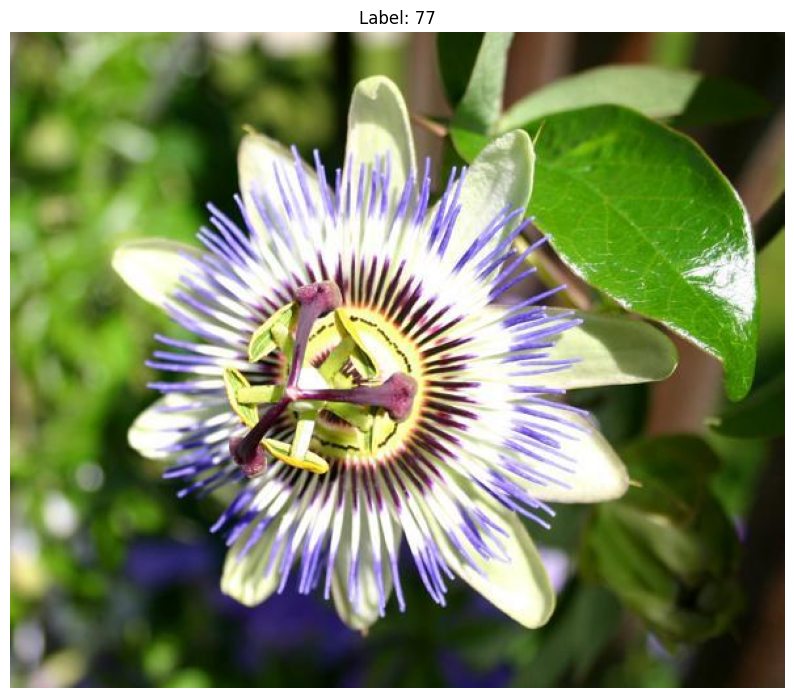
Image size: (500, 625, 3)
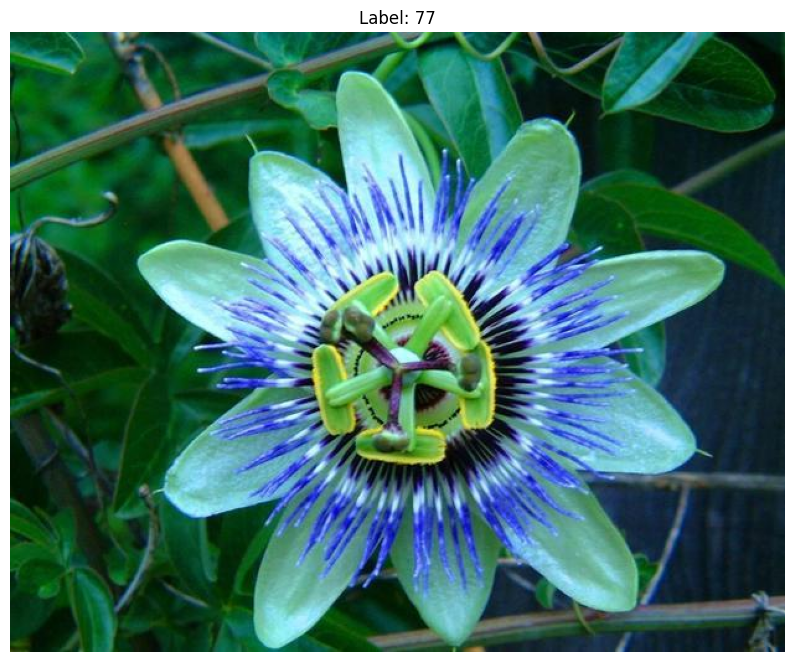
Image size: (667, 500, 3)
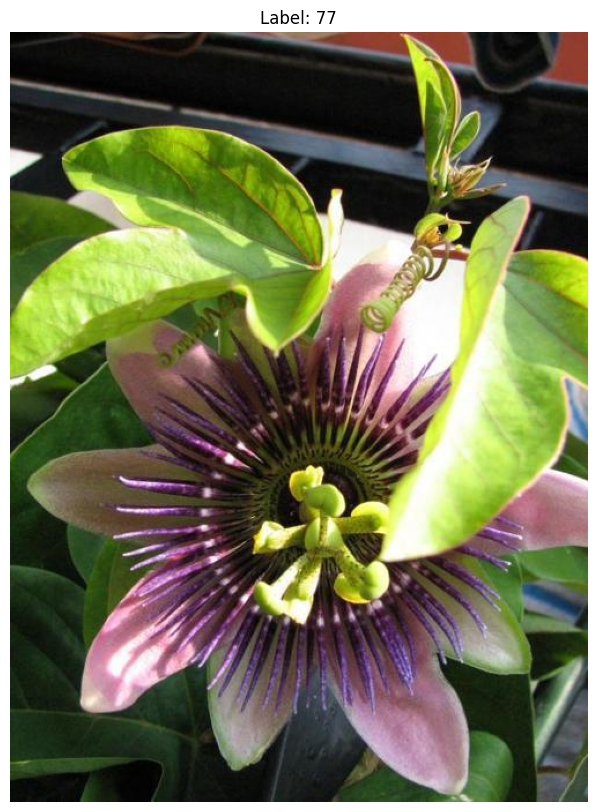
Write the ORB feature extractor
A feature extractor maps one image to an (N, D) array of local descriptors, which an embedder then aggregates into a single vector. FeatureExtractorBase asks for exactly two things from a subclass:
output_dim: the dimensionDof one descriptor.__call__: takes one image and returns its descriptors as afloat32array of shape(N, output_dim).
__call__ accepts any MatLike image (a NumPy array, a torch tensor or an array-like object) in the layout given by dims and the value range given by value_range. _to_single_image converts it into the canonical uint8 array of shape (H, W, C), or (H, W) for a grayscale input, so the extractor only has to deal with one input format. This is also what the built-in extractors such as SIFT do.
ORB [1] is a binary descriptor: each keypoint is described by 32 bytes, that is 256 bits. k-means needs real-valued vectors, so the bits are unpacked into a vector of 256 zeros and ones. If ORB finds no keypoints in an image, OpenCV returns None, in which case an empty (0, output_dim) array is returned instead.
class ORB(FeatureExtractorBase):
    """
    Oriented FAST and Rotated BRIEF (ORB) feature extractor.

    :param n_features: Maximum number of keypoints to detect per image.
    """

    def __init__(self, n_features: int = 500) -> None:
        super().__init__()
        self._orb = cv2.ORB_create(nfeatures=n_features)

    @property
    def output_dim(self) -> int:
        # OpenCV stores each descriptor as bytes, one bit per BRIEF test.
        return 8 * self._orb.descriptorSize()

    def __call__(
        self,
        image: MatLike,
        /,
        *,
        dims: str = "HWC",
        value_range: tuple[float, float] = (0.0, 255.0),
    ) -> Float32NumpyArray:
        canonical = _to_single_image(image, dims=dims, value_range=value_range)
        grayscale = (
            cv2.cvtColor(canonical, cv2.COLOR_RGB2GRAY)
            if canonical.ndim == 3
            else canonical
        )
        _, descriptors = self._orb.detectAndCompute(grayscale, None)
        if descriptors is None:
            return np.zeros((0, self.output_dim), dtype=np.float32)
        return np.unpackbits(descriptors, axis=1).astype(np.float32)
Let’s check the extractor on one image. Every row of the output is the descriptor of one keypoint.
extractor = ORB(n_features=NUM_FEATURES)
descriptors = extractor(train_dataset[0][0])
print("Output dimension:", extractor.output_dim)
print("Descriptors shape:", descriptors.shape)
print("Descriptors dtype:", descriptors.dtype)
Output dimension: 256
Descriptors shape: (500, 256)
Descriptors dtype: float32
Declare the VLAD embedder
The extractor is passed to the VLADEmbedder like any built-in one. The embedder calls the extractor on every image, reduces the descriptors with PCA and clusters them into NUM_CLUSTERS visual words.
vlad_embedder = VLADEmbedder(feature_extractor=extractor, n_clusters=NUM_CLUSTERS)
The following cell trains the model from scratch on the training images. The dimension of the descriptors is reduced by half using PCA before the k-means model is trained. It might take quite a bit of time.
vlad_embedder.learn(
    (train_dataset[i][0] for i in train_indices), dim_reduction_factor=DIM_REDUCTION_FACTOR
)
[INFO] Learning the visual vocabulary with the following parameters:
   - Number of clusters: 32
   - Feature Extractor used: ORB
   - Dimension of the feature space: 256
- New dimension after PCA reduction: 128
Compare two images
Now, we will pick one image from the training set and one from the validation set, on which the model is not yet trained.
image_ref, label_ref, _ = val_dataset[2]
image_similar, label_similar, _ = val_dataset[3]
image_dissimilar, label_dissimilar, _ = val_dataset[100]
plot_image(image_ref, title=f"Reference Image. Label: {label_ref}")
plot_image(image_similar, title=f"Similar Image. Label: {label_similar}")
plot_image(image_dissimilar, title=f"Dissimilar Image. Label: {label_dissimilar}")
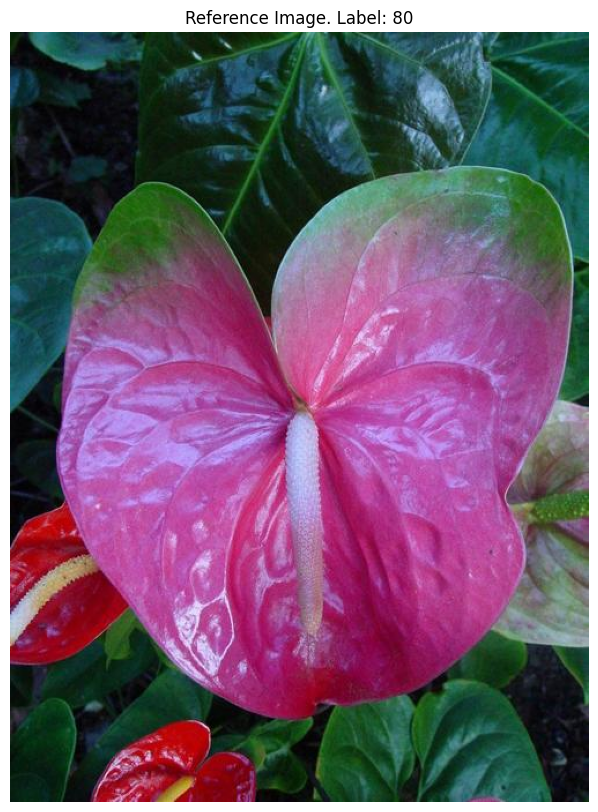
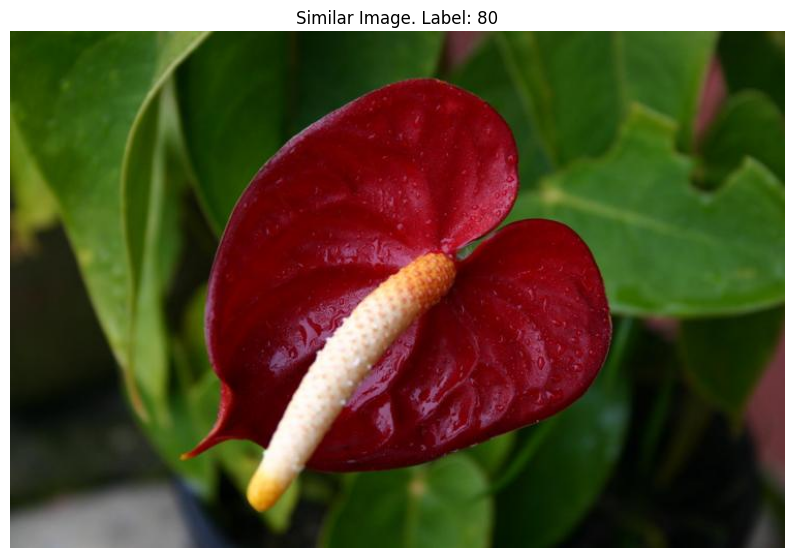
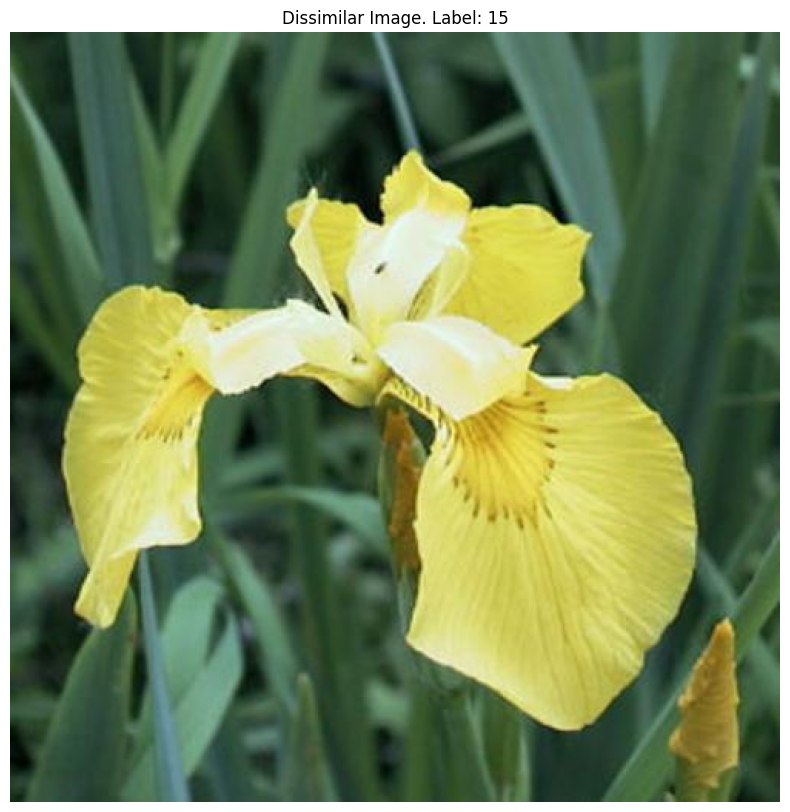
Now, we compare the two images. cosine similarity is used in this case, so the score lies in [-1, 1] and a higher score means more similar.
score_similar = vlad_embedder.similarity_score(image_ref, image_similar).item()
print(f"Similarity score, similar pair: {score_similar:.4f}")

score_dissimilar = vlad_embedder.similarity_score(image_ref, image_dissimilar).item()
print(f"Similarity score, dissimilar pair: {score_dissimilar:.4f}")
Similarity score, similar pair: 0.0795
Similarity score, dissimilar pair: -0.0707
References
[1] Rublee, E., Rabaud, V., Konolige, K., & Bradski, G. (2011). ORB: An efficient alternative to SIFT or SURF. In 2011 International Conference on Computer Vision (ICCV), 2564-2571. https://doi.org/10.1109/ICCV.2011.6126544
[2] Arandjelović, R., & Zisserman, A. (2013). All About VLAD. In 2013 IEEE Conference on Computer Vision and Pattern Recognition (CVPR), 1578-1585. https://doi.org/10.1109/CVPR.2013.207